
Terrene Dash
Clearly and accurately display your current GPS speed, distance, heading, course, altitude, time, barometric pressure, and temperature at a glance.

One-time purchase. No subscription. No ads.
Dial Gallery
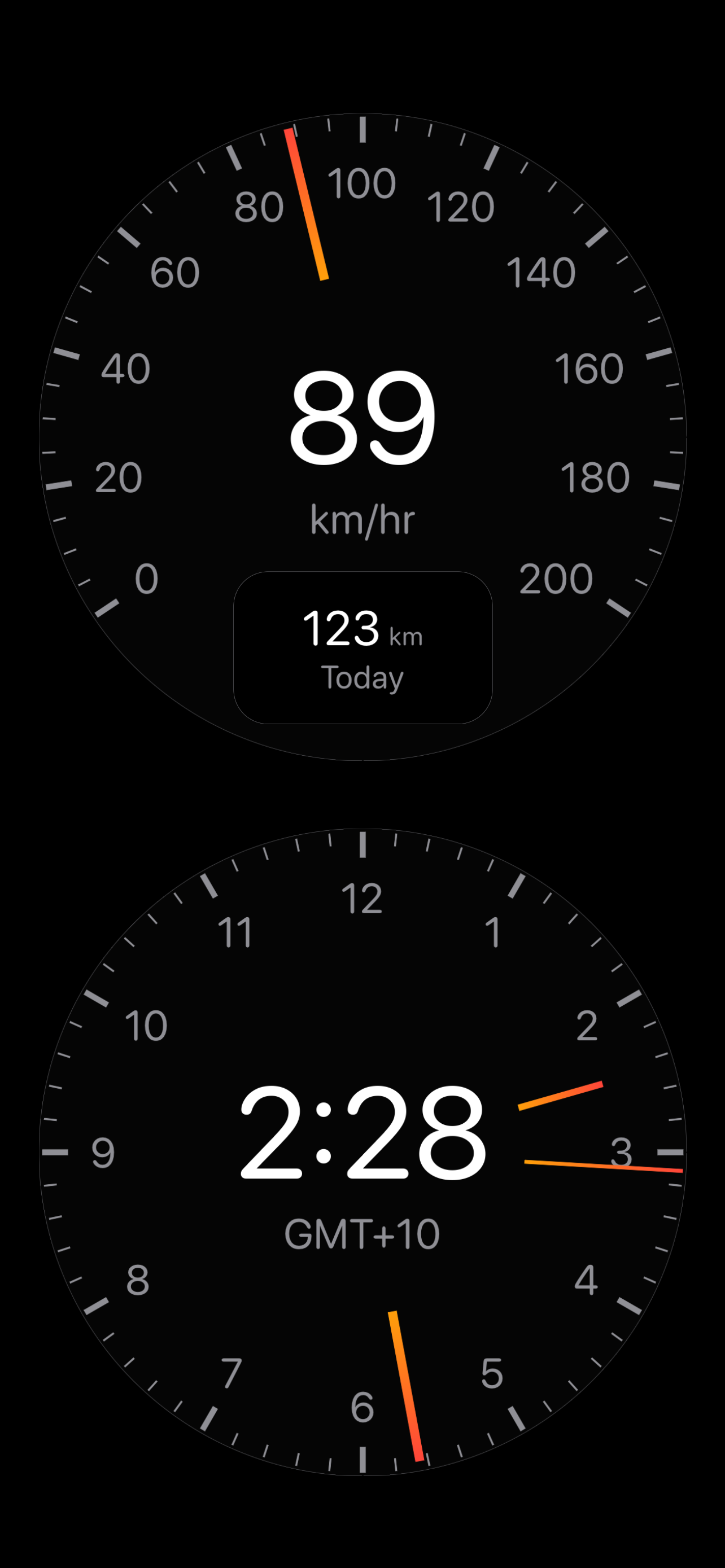
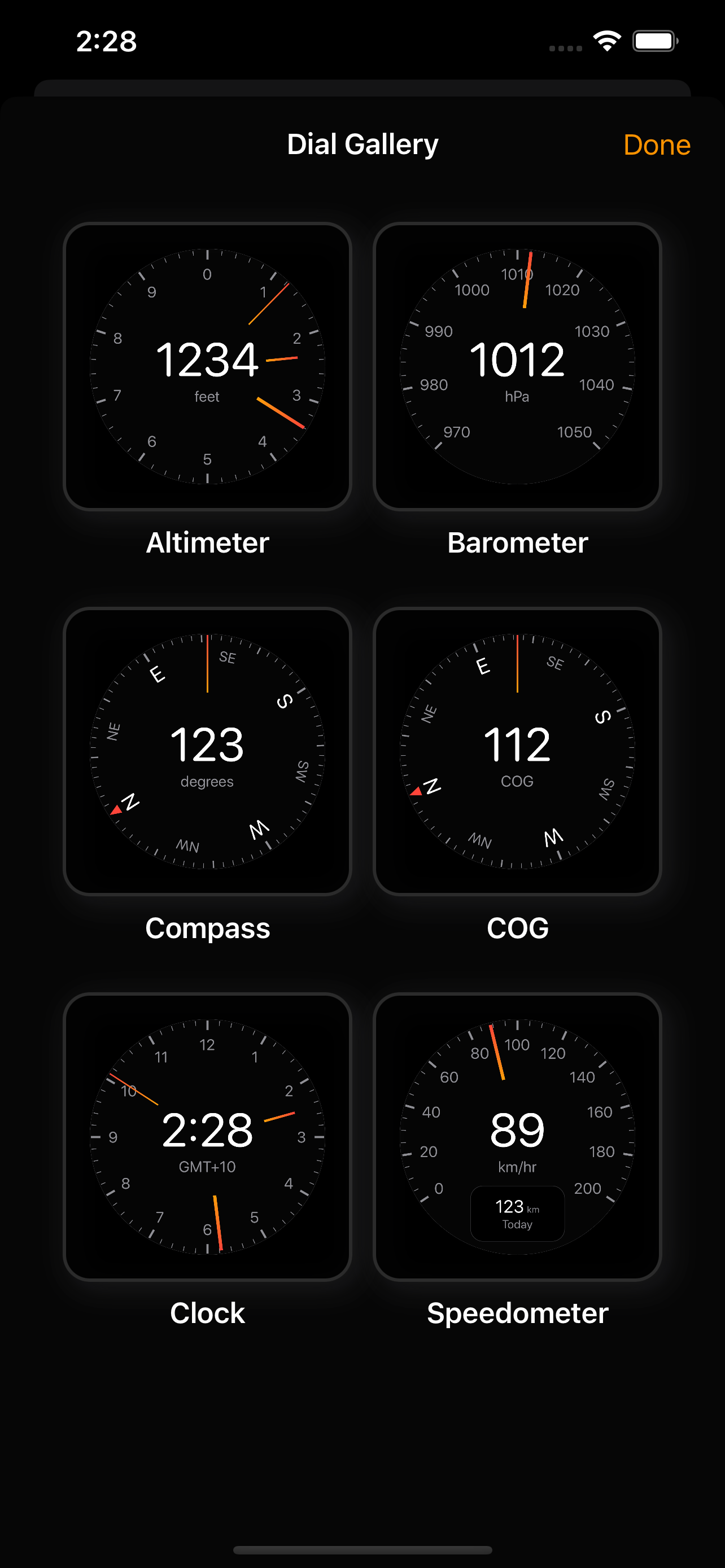
Altimeter, barometer, compass, clock, speedometer, and temperature, with many more dials and features to come.
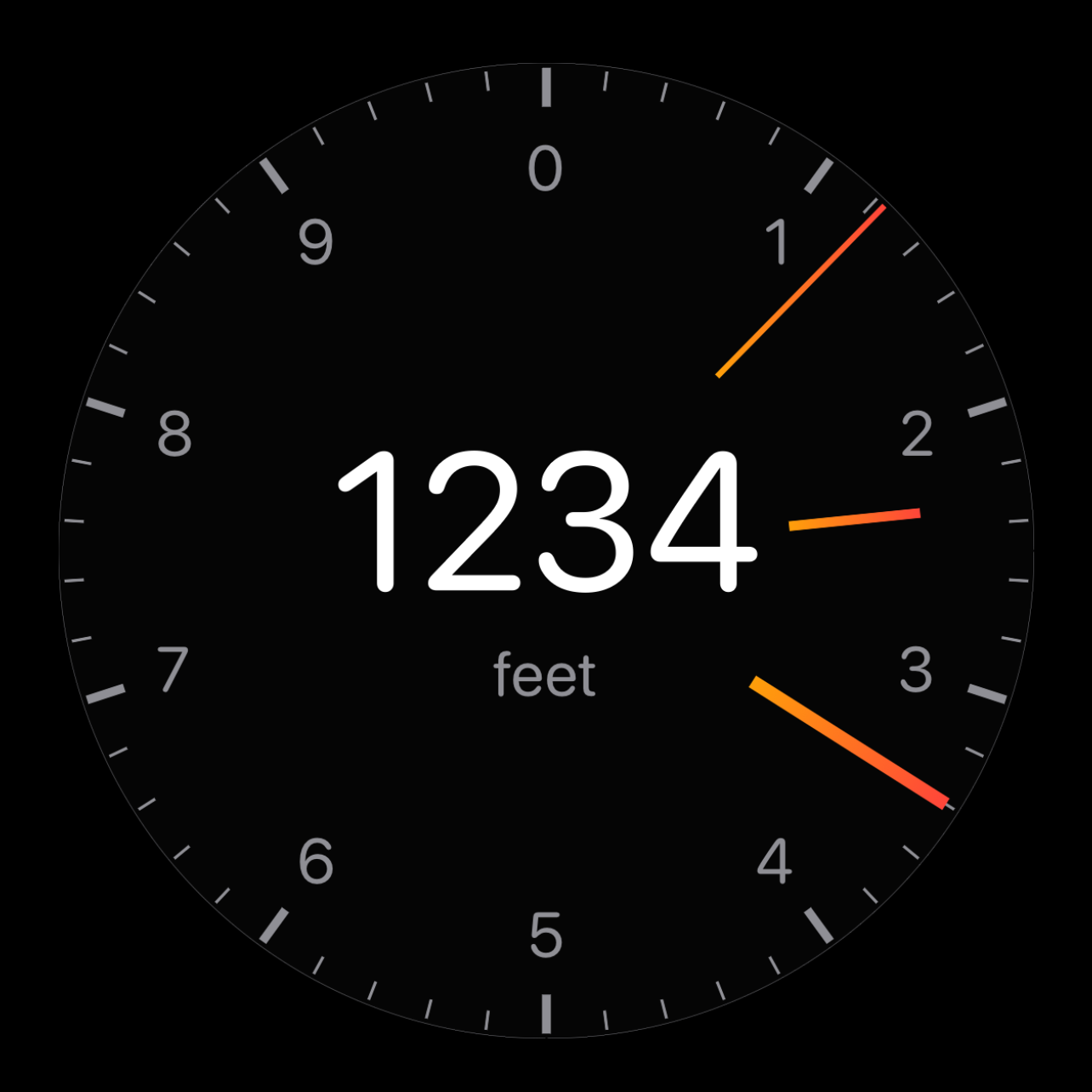
Altimeter
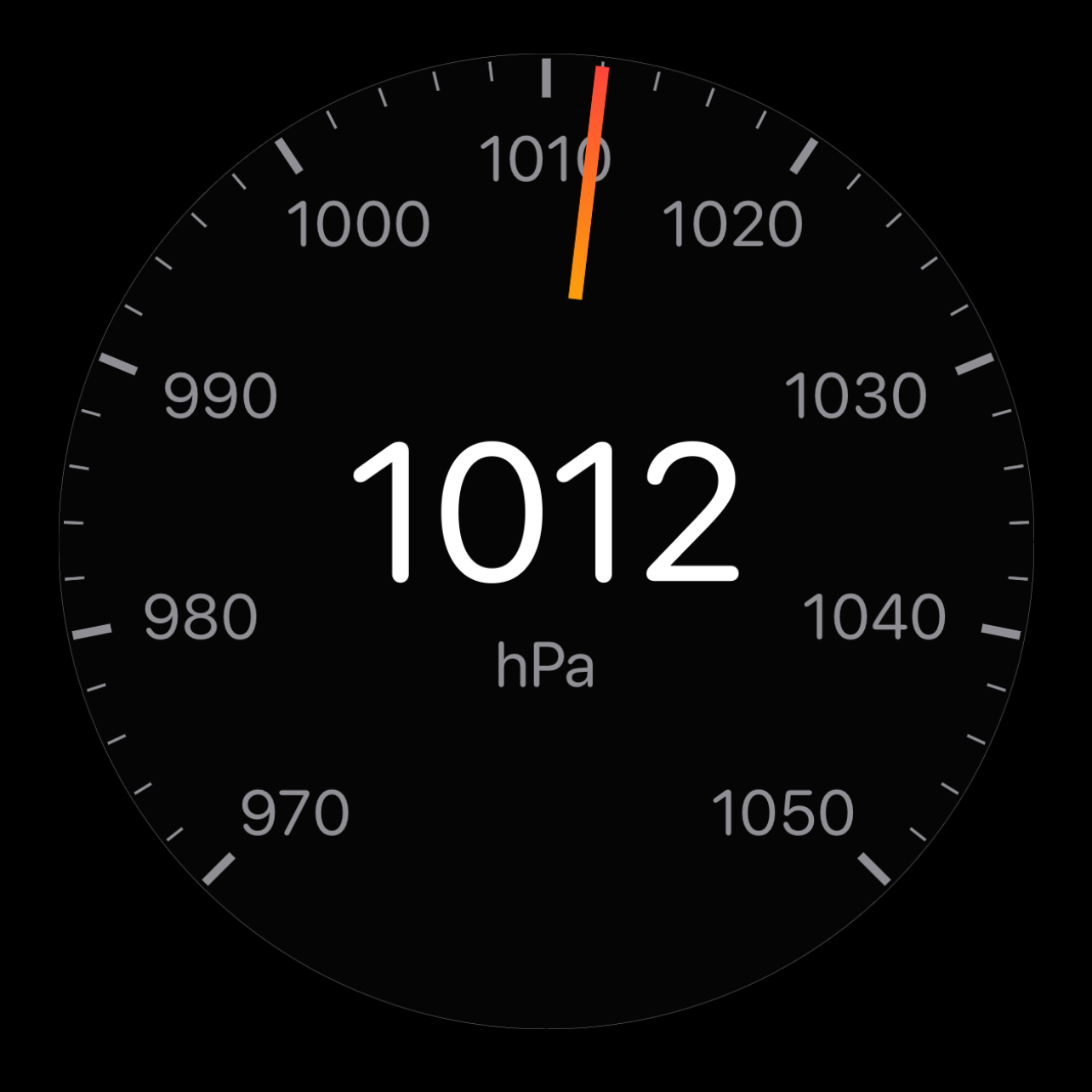
Barometer
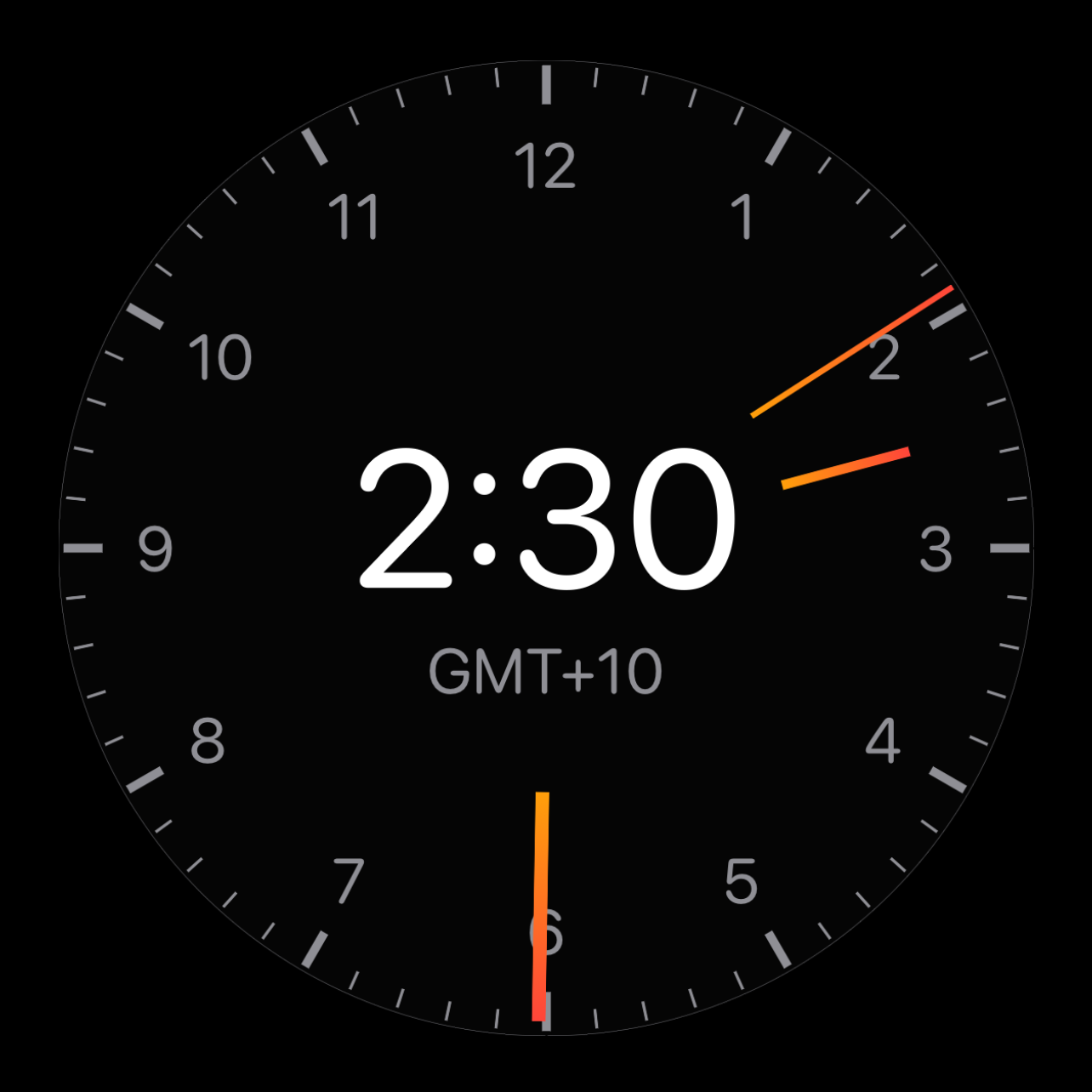
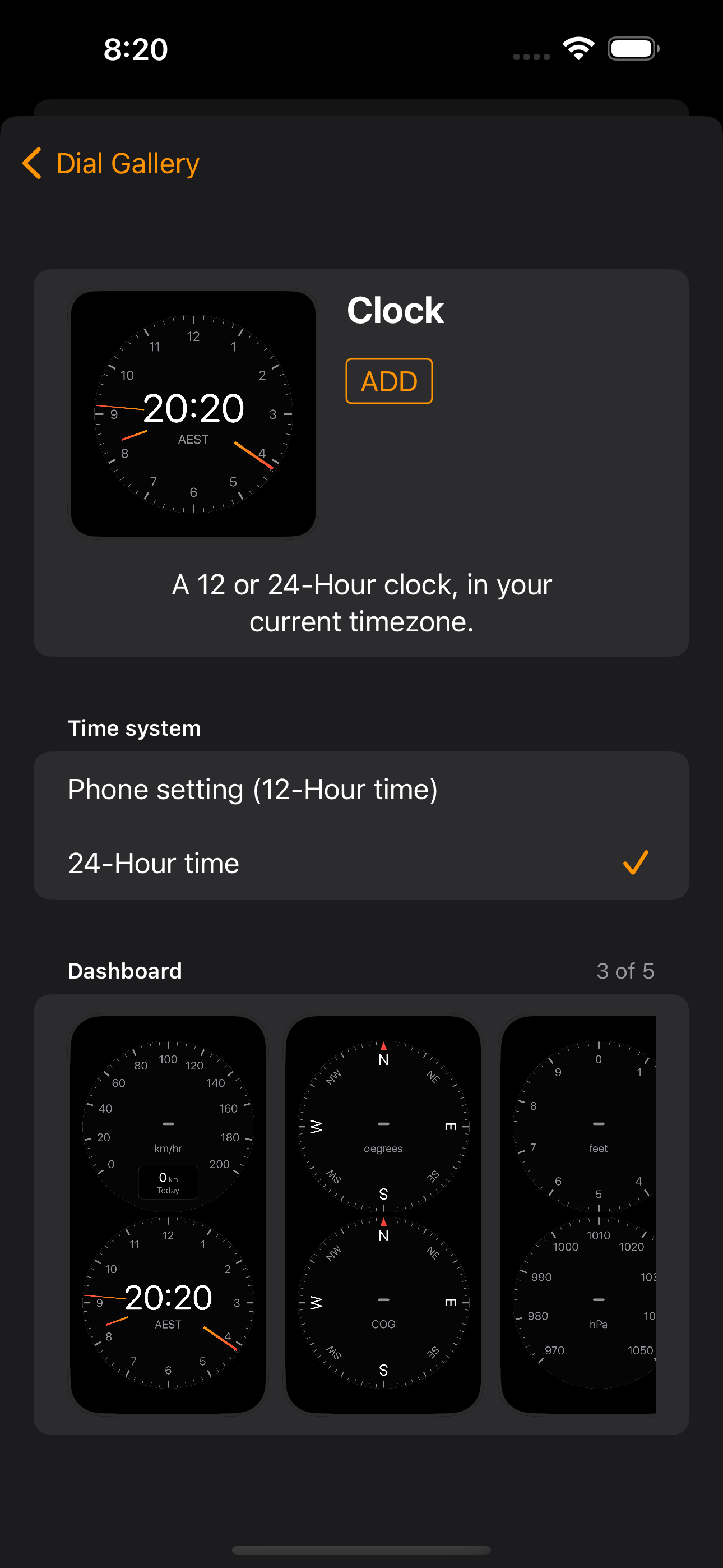
Clock
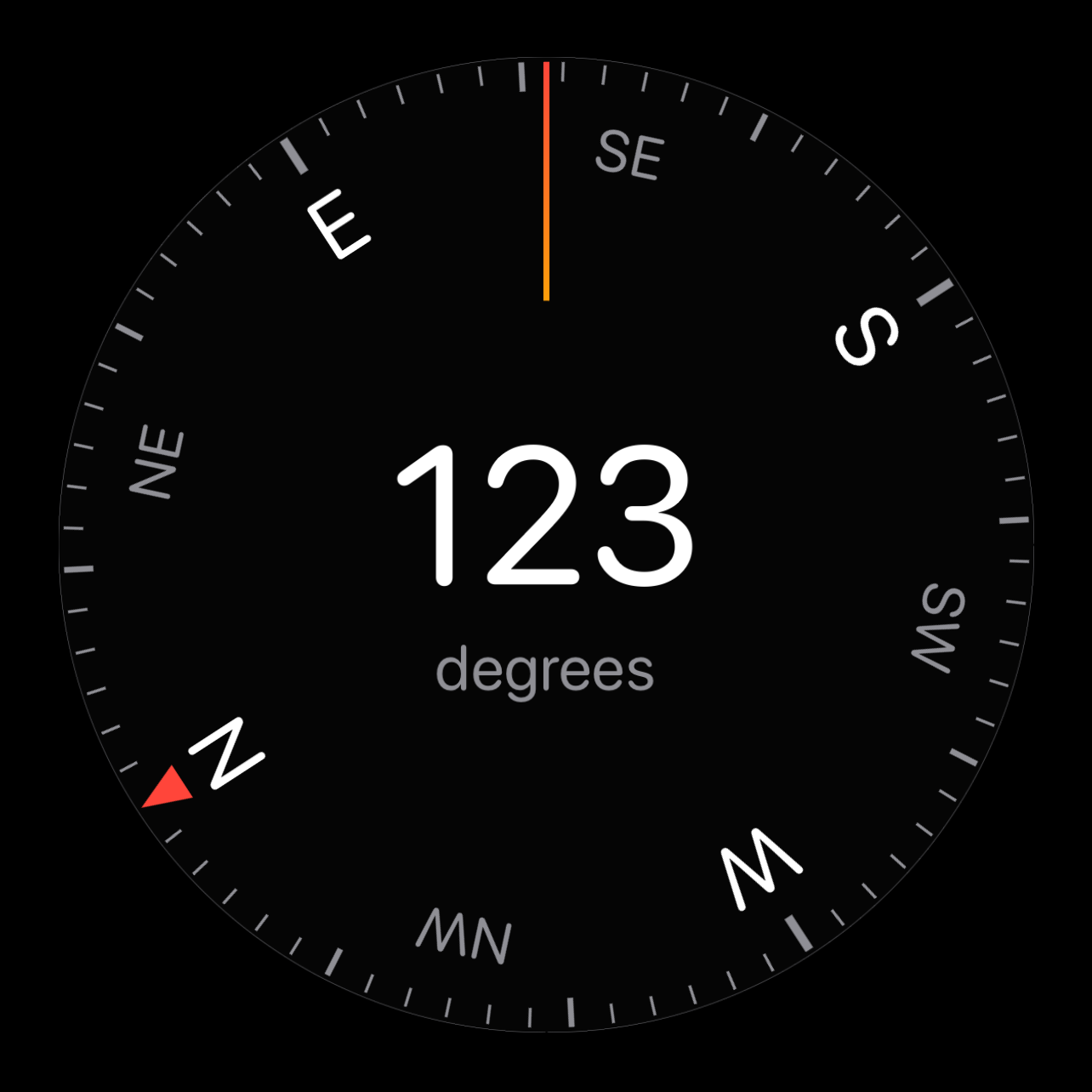
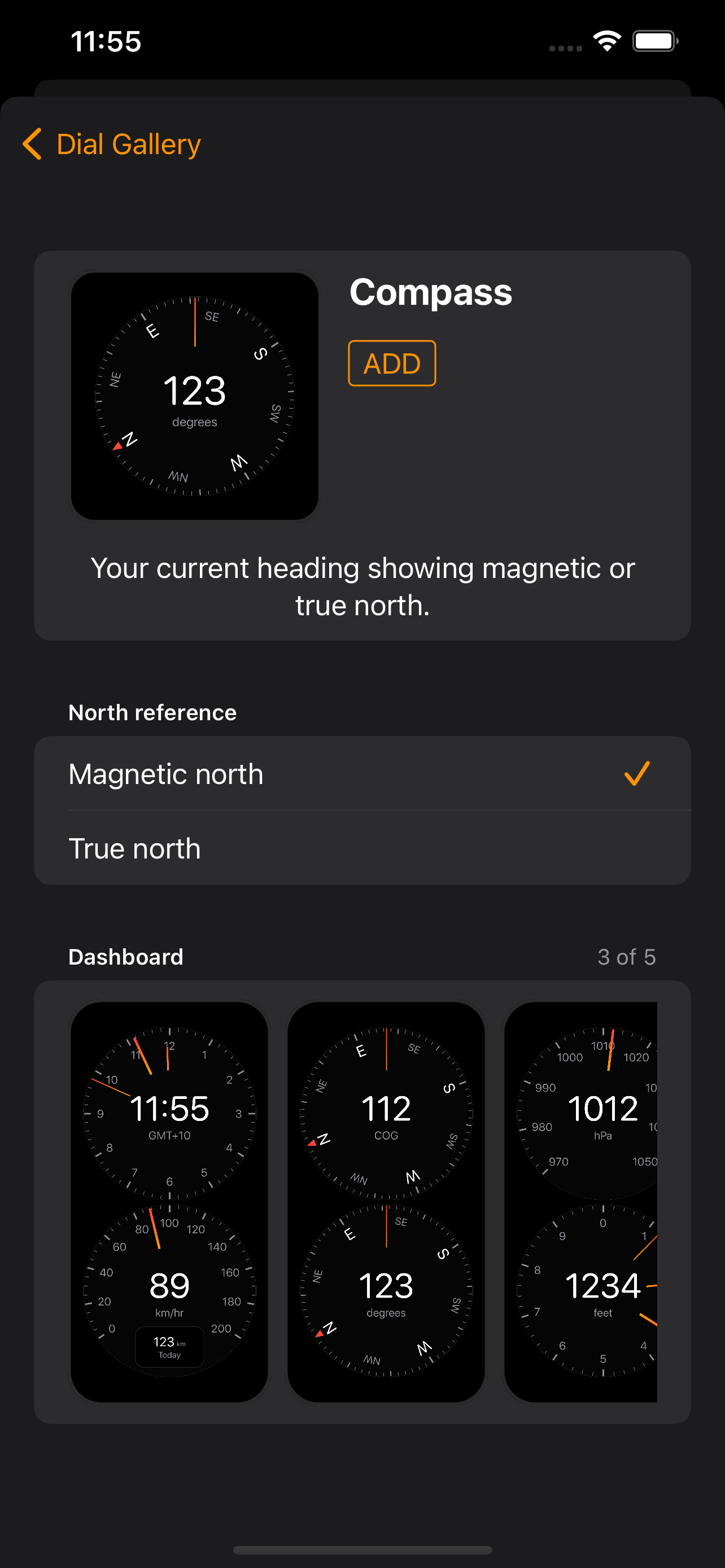
Compass
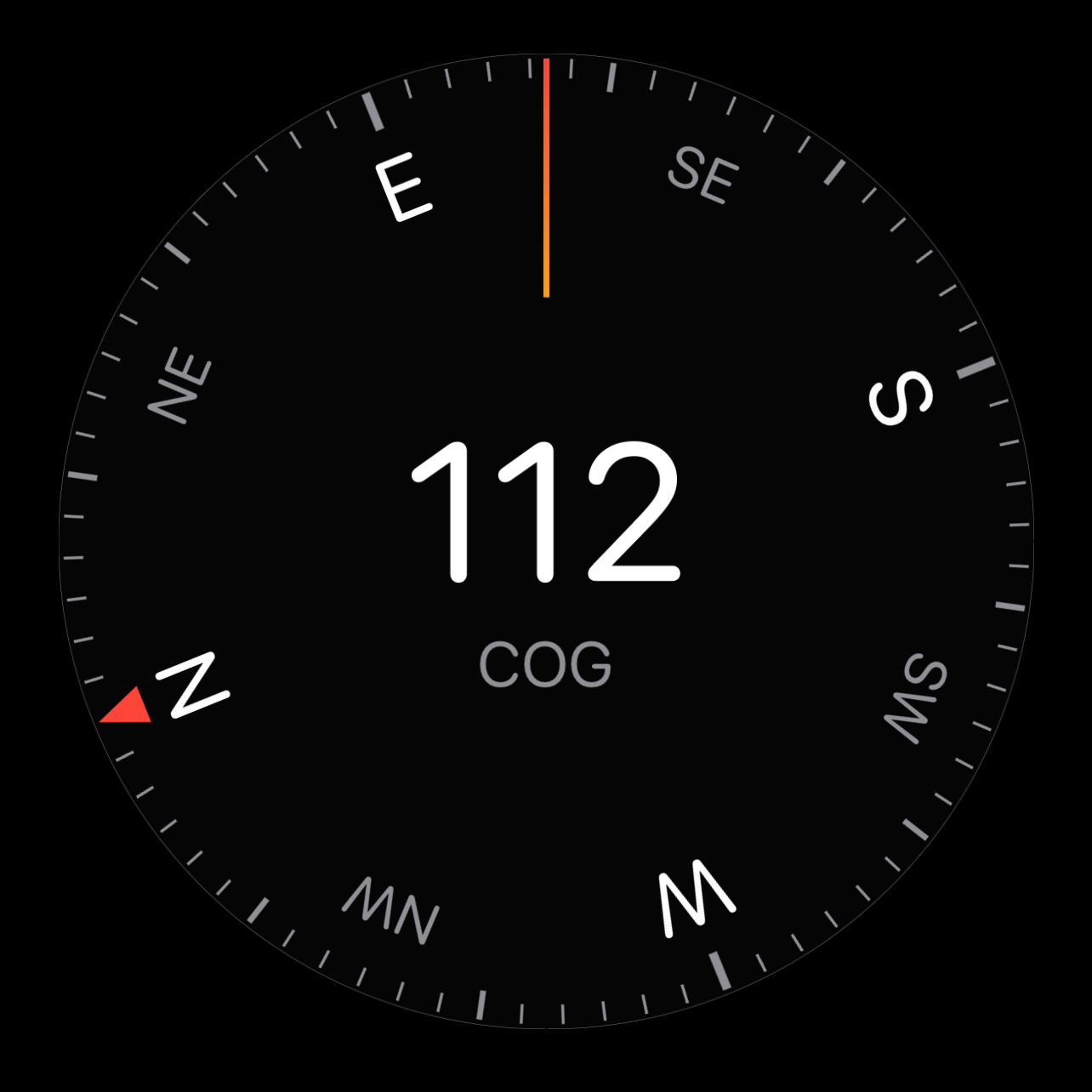
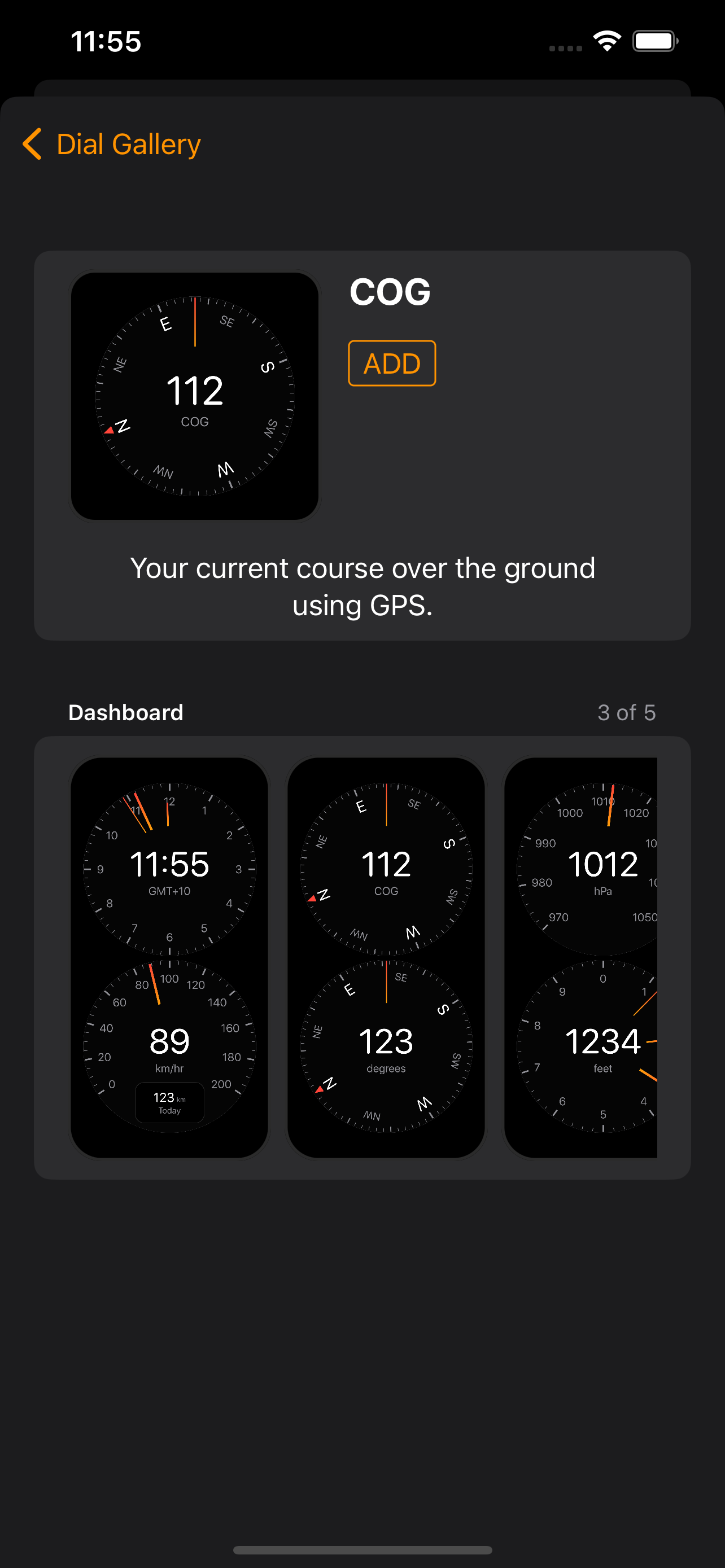
Course over Ground
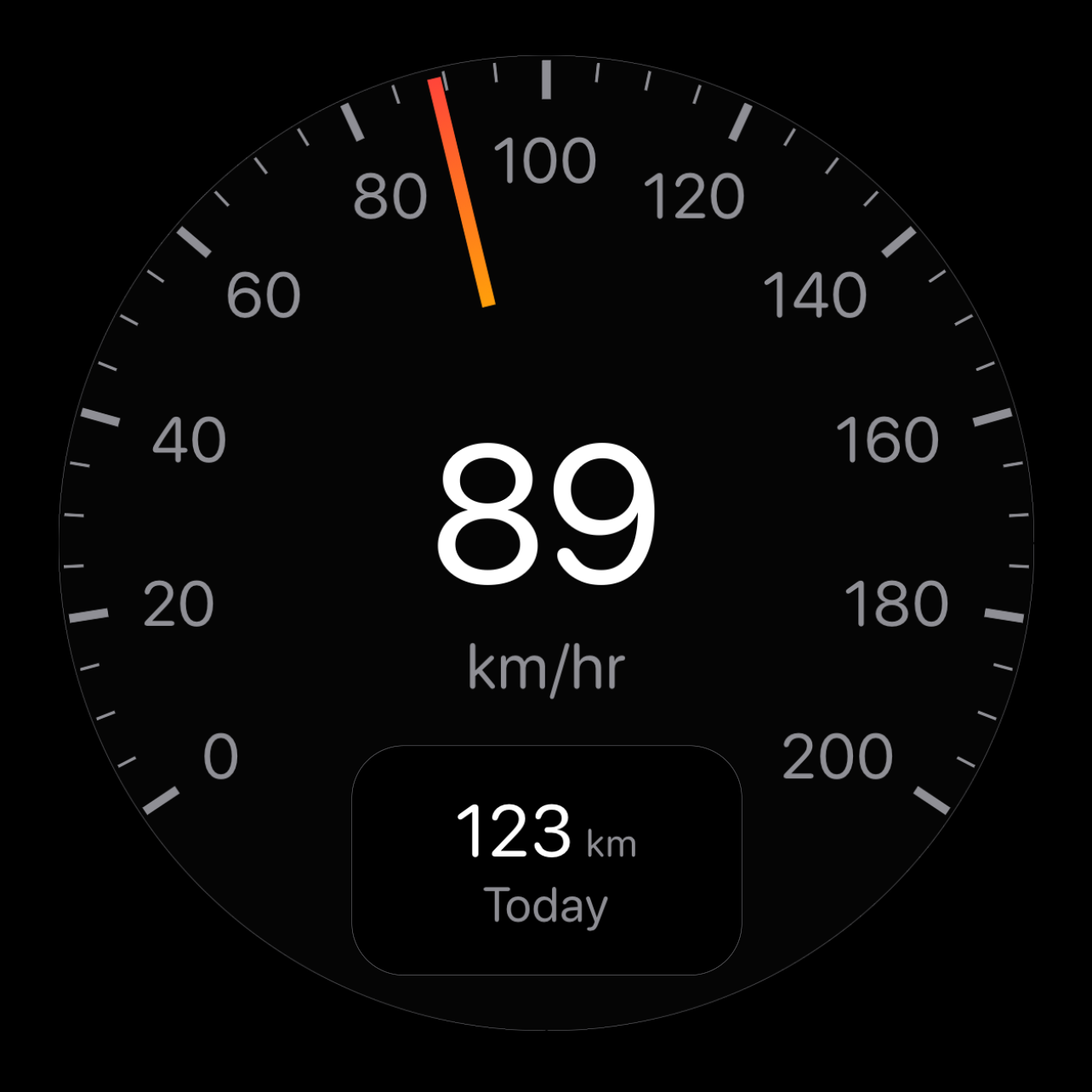
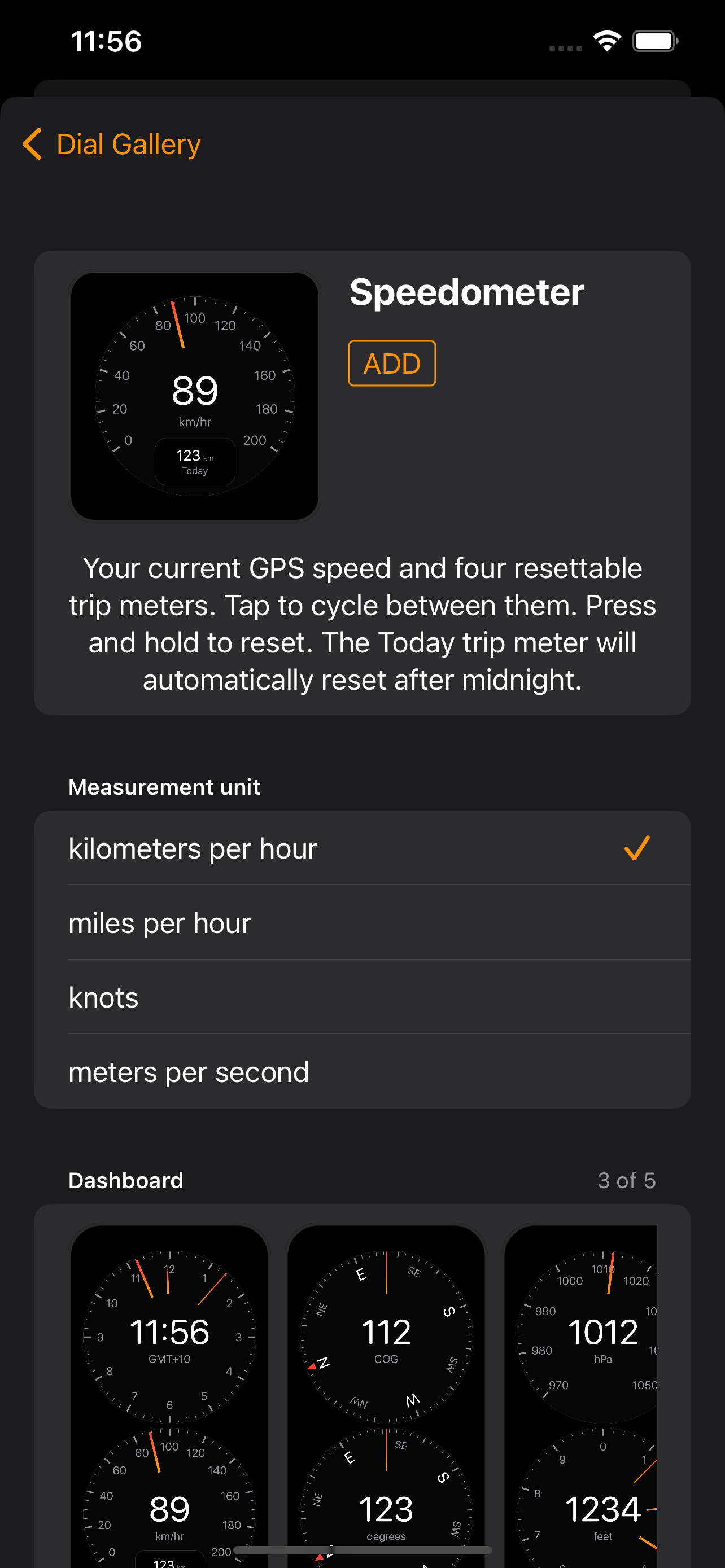
Speedometer
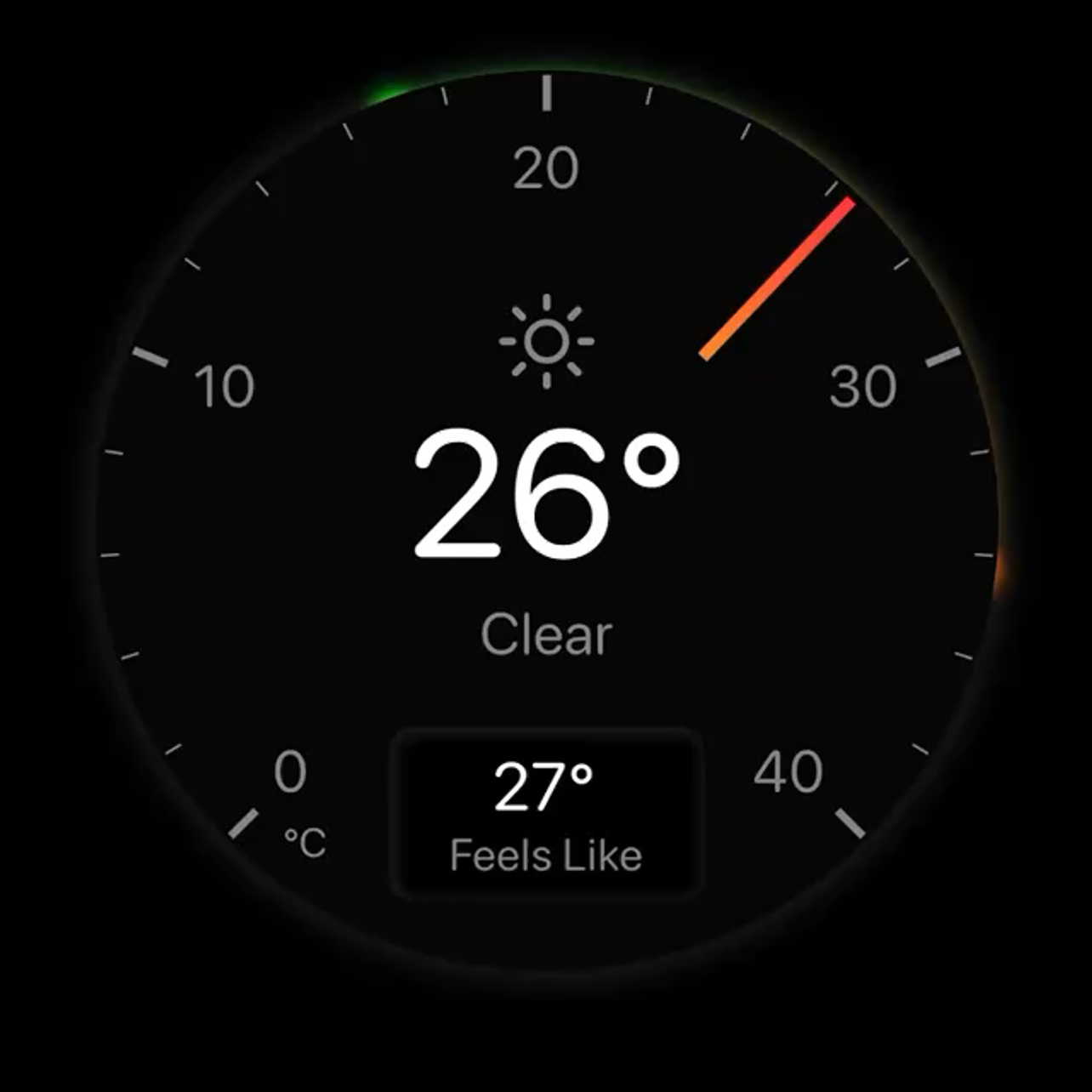
Temperature
- Dials
- 7
- Dashboards
- 5
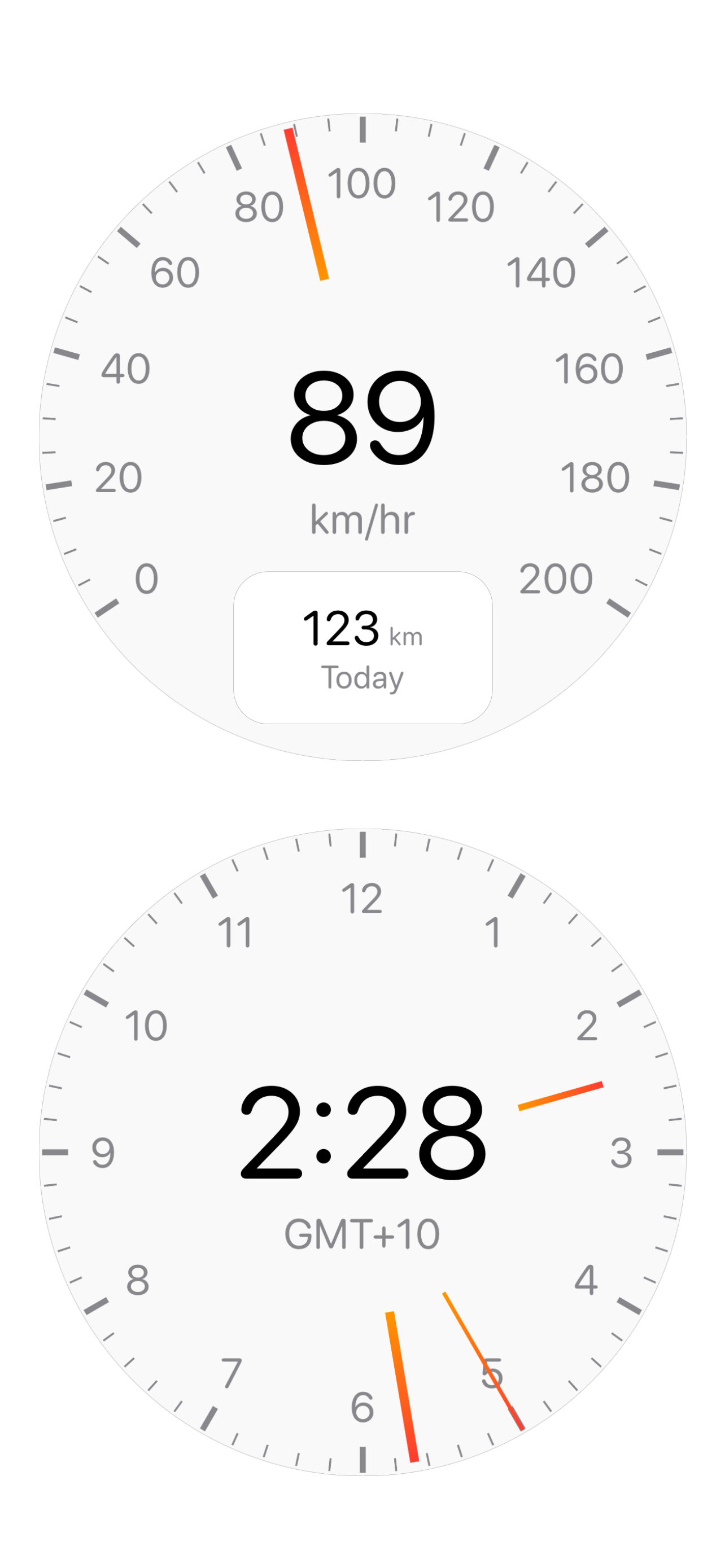
Light and Dark modes
Crystal clear, day or night.
As the sun sets and rises, Terrene switches between dark and light modes. Terrene's dark mode, with its black background and muted markings, helps your eyes stay adjusted to the dark, while light mode has good contrast in bright daytime conditions.
Dial Settings
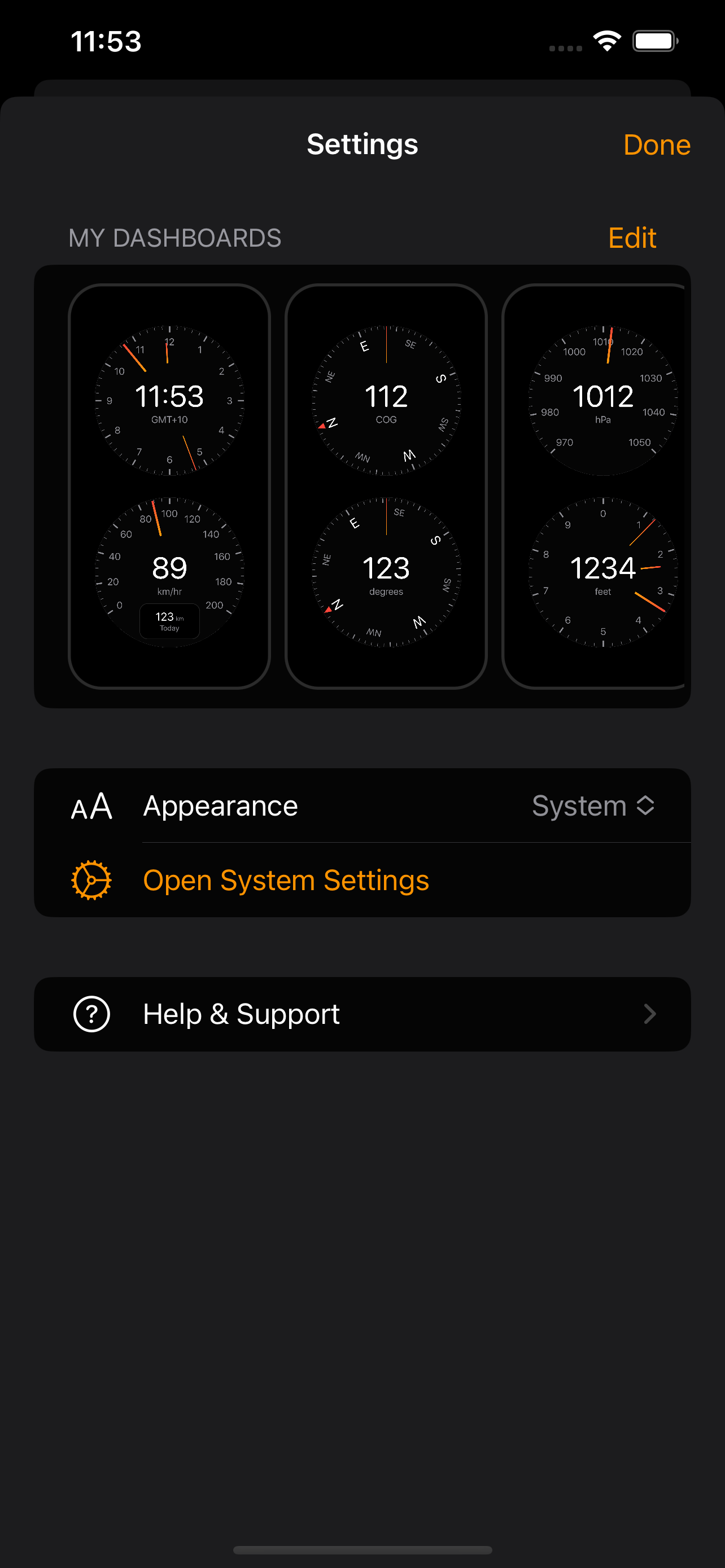
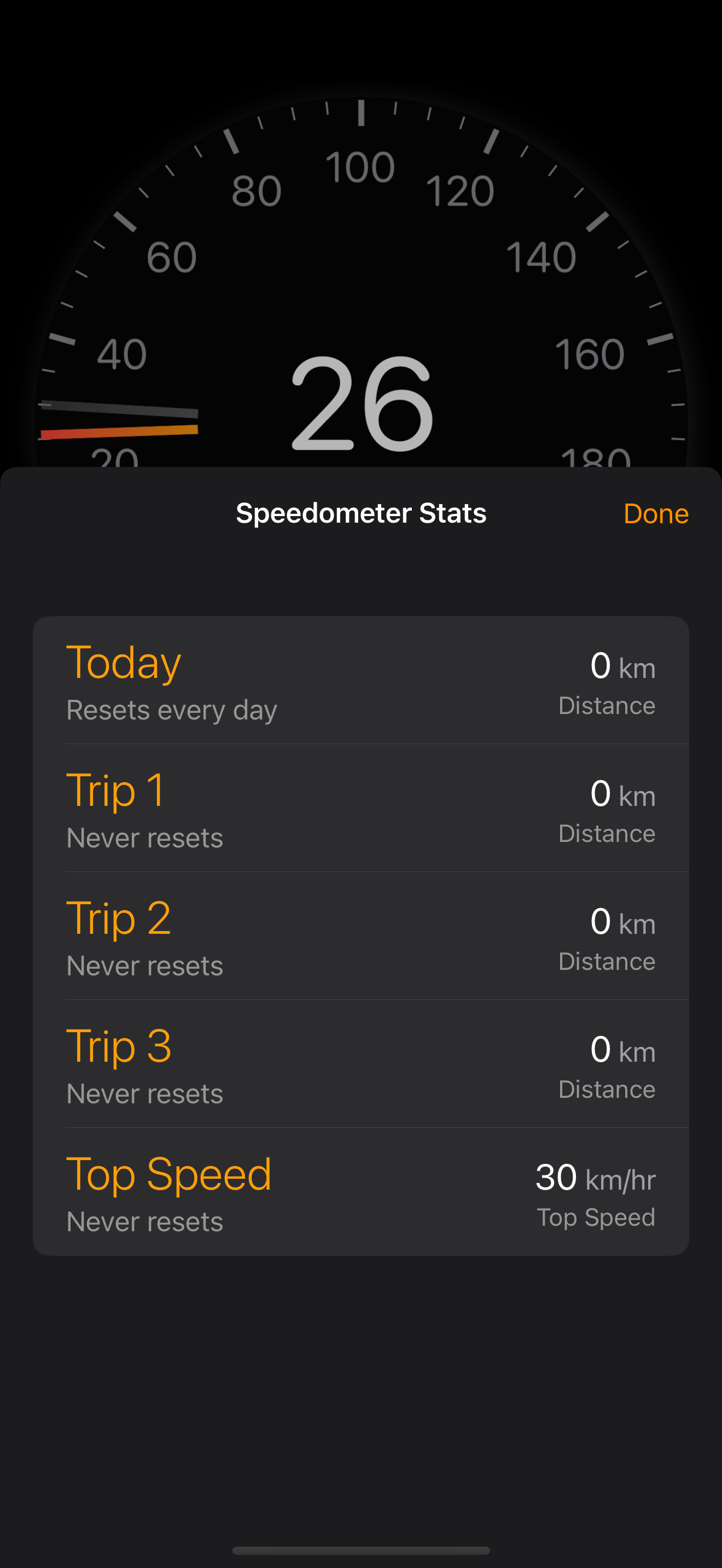
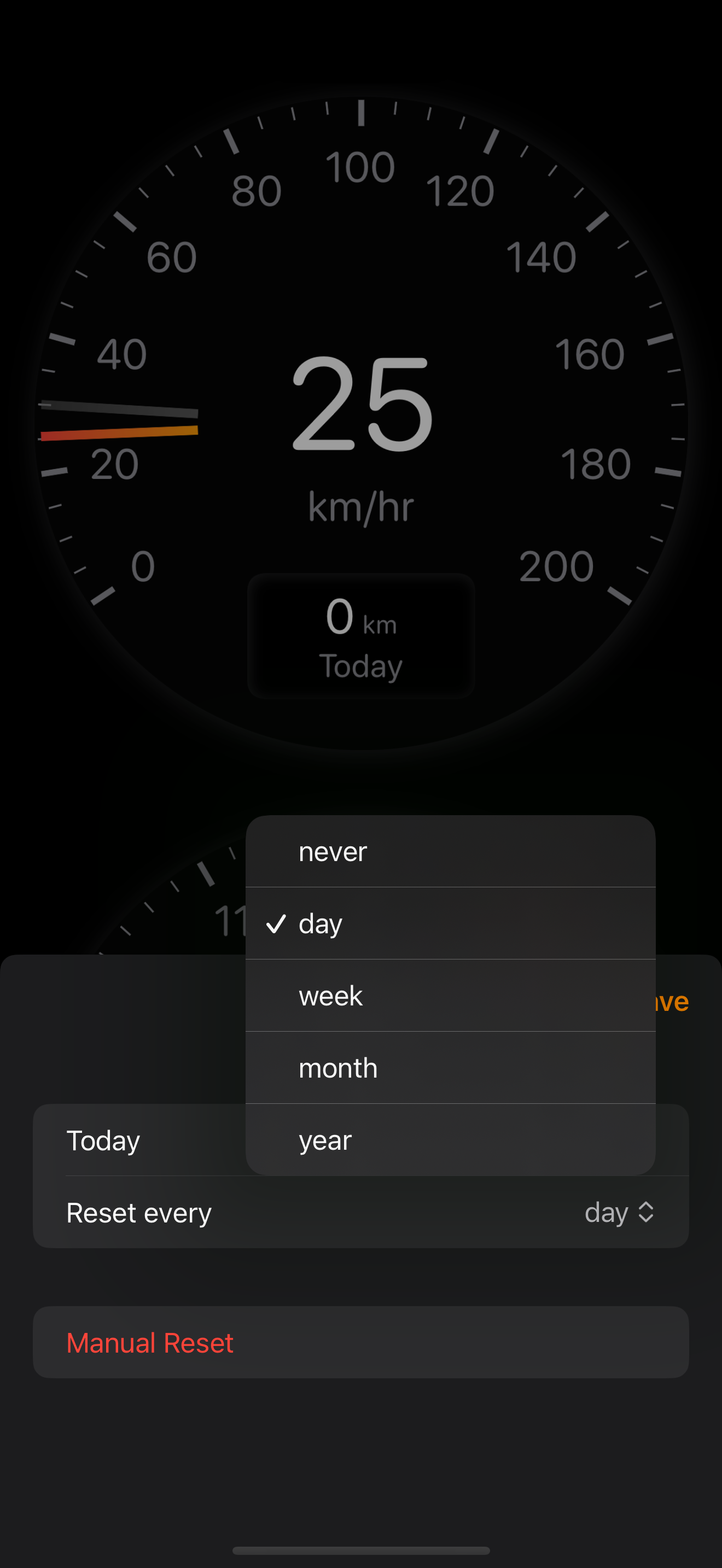
Customise each dial and dashboard
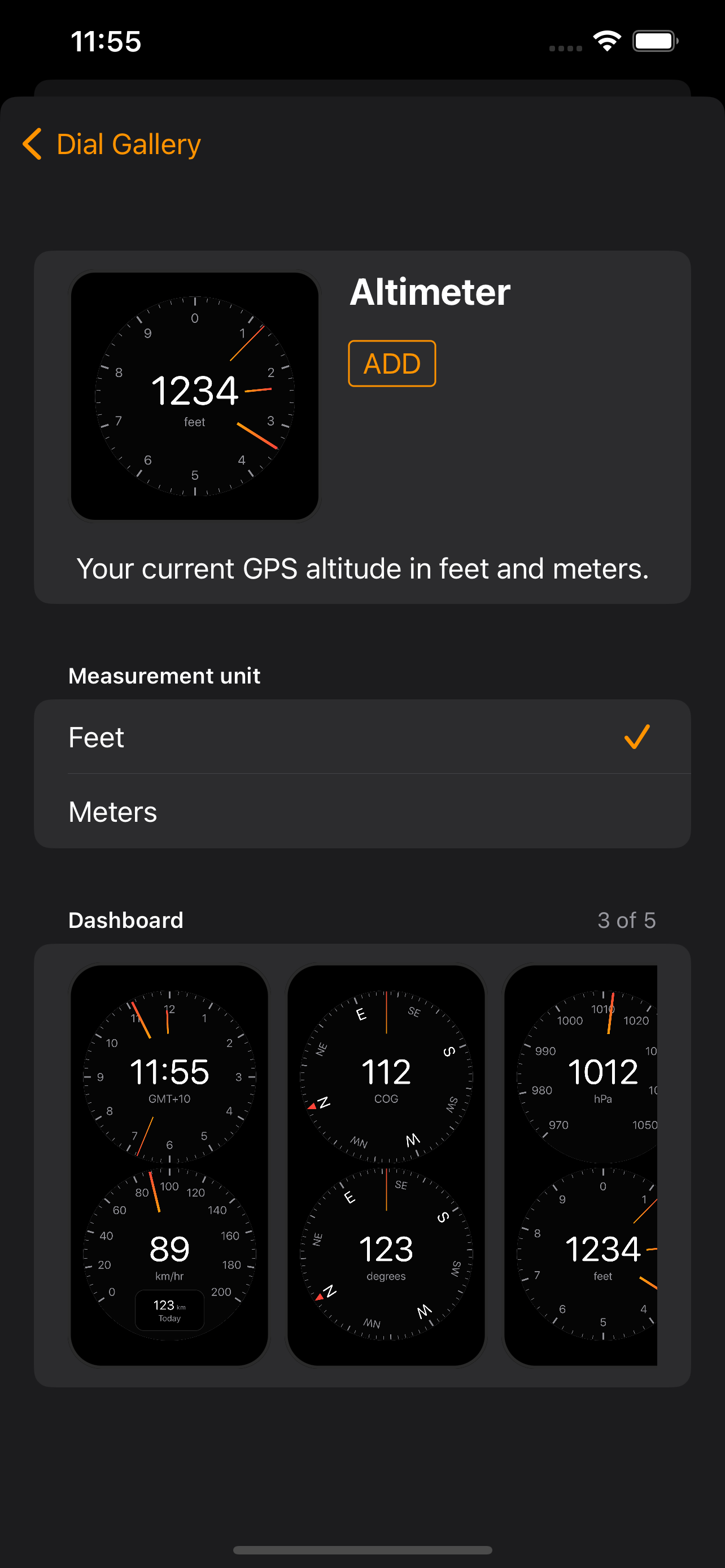
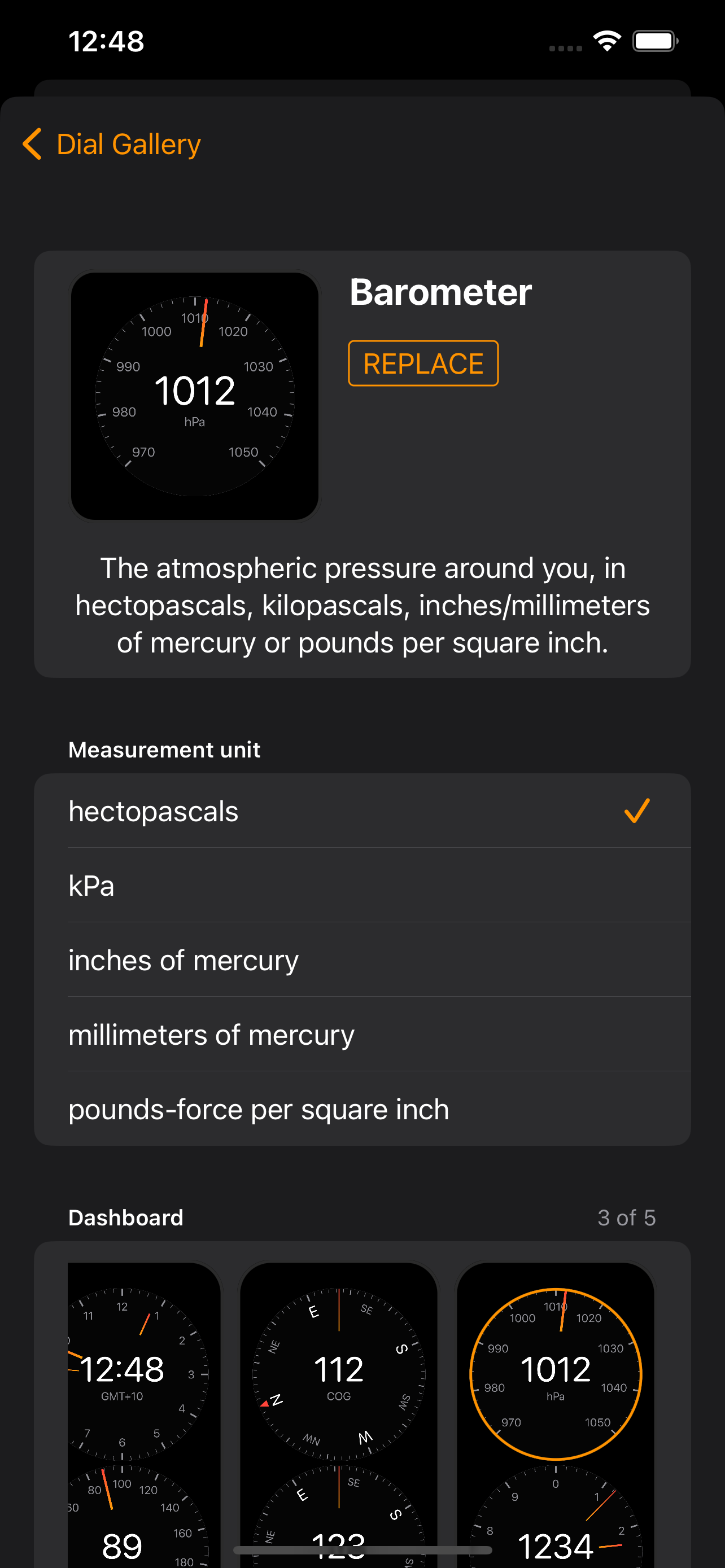
Choose a dial from the gallery, configure it, then add or replace it to the first or second spot on any of the five dashboards.
Get Terrene Dash today!
Terrene Dash is available from the App Store.
One-time purchase. No subscription. No ads.
Frequently asked questions
Got a question? I'm Simon, the developer. Send me an email at [email protected]
- Does it work offline?
- Yes. GPS dials (speedometer, compass, altimeter, course) work without an internet connection. The temperature dial needs a connection for weather data.
- Does it drain my battery?
- Terrene is designed for low power usage. Screen brightness is the biggest factor, so turning it down helps on longer trips.
- How accurate is the speed?
- GPS speed is typically more accurate than your car's speedometer, which can read 5-10% high by design. Terrene shows what the GPS sensor reports, so readings are best with a clear view of the sky.
- Will my screen stay on?
- Yes. Terrene keeps the screen on while the app is open, so auto-lock won't interrupt your drive.
- What about privacy?
- No accounts, no tracking, no analytics. Your data stays on your device. Location is only used locally for GPS dials and weather forecasts.
- Have a dial idea?
- I'm always keen to hear how you're using the app and where it could be improved. Let's chat via email.